
Design
Plan how your app
looks, feels and guides
each user.

Hostersol designs and builds easy to use mobile apps for iPhone and Android, then launches them on secure infrastructure to help your business grow.
Your customers already spend much of their day on their phones. A well built app gives them a faster way to buy from you, book with you and stay in touch with your business.
Our mobile app development service covers the full journey. We plan the features, design every screen, build and test the app, and help you publish it on the App Store and Google Play.
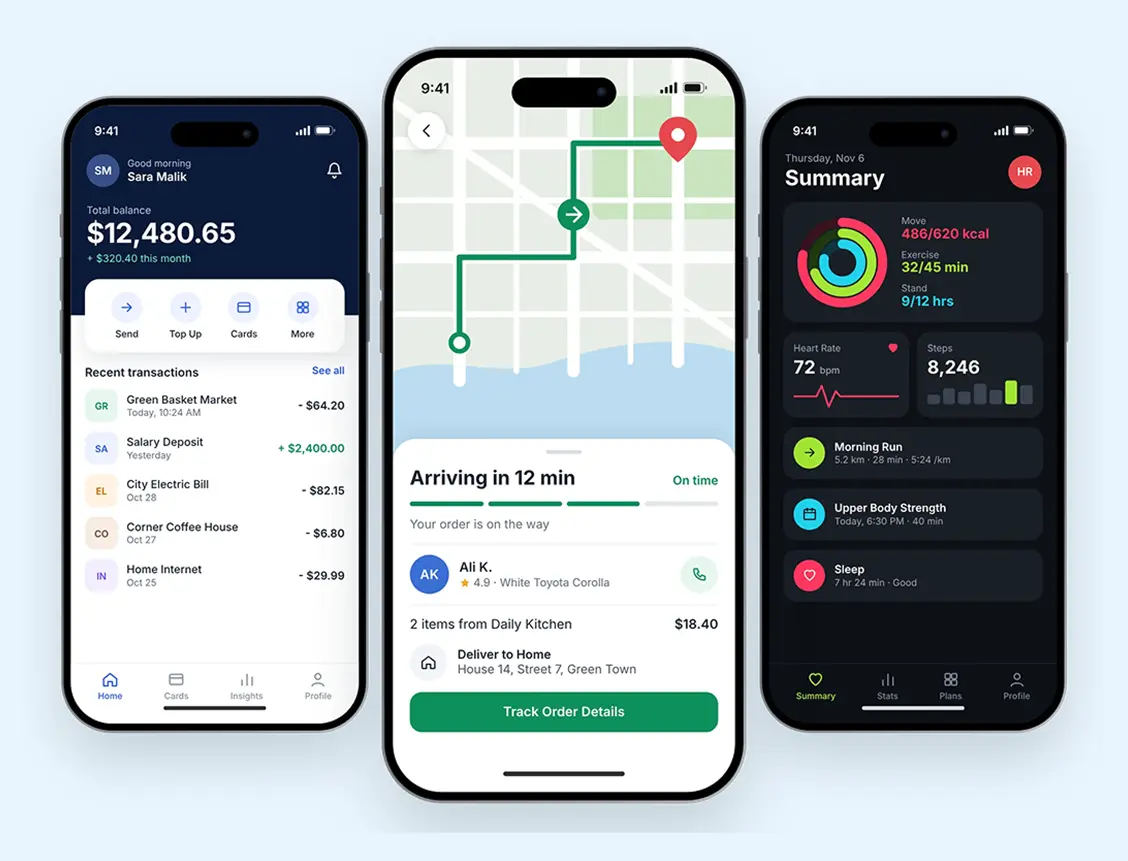
Each part of building an app is covered by one team, grouped here so you can quickly see
what we do and how it helps.
Plan how your app
looks, feels and guides
each user.

Clean screens and simple
navigation that make your app
easy to understand and pleasant
to use from the first tap.

A clickable preview lets you try
how the app will work, so you can
share changes before any
development starts.

A modern look and a smoother
experience for your existing app,
while keeping the features
your users already value.
Build a fast and
reliable app for the
devices you need.

Smooth, reliable apps built for
iPhone and iPad, designed to feel
natural and familiar to people who
use Apple devices.

Apps built to run well across the
wide range of Android phones and
tablets your customers are likely
to be using.

One shared codebase for iPhone
and Android, which can reduce
development effort and make
updates simpler to manage.
Link your app to the
systems that keep it
working.

Secure databases and an easy
dashboard where your team can
manage users, content and orders
from a single place.

Connect your app with payment
gateways, maps, CRMs and other
tools, so that information moves
between your systems.

Careful checks across devices and
screen sizes, along with secure
logins and data protection before
your app goes live.
There is more than one way to build an app. Here is a simple comparison, and our team
can help you choose what fits your goals and budget.
| Approach | Best For | What to Know |
|---|---|---|
| Native iOS App | Businesses focused on iPhone and iPad users | Built specifically for Apple devices |
| Native Android App | Businesses whose customers mostly use Android | Built specifically for Android devices |
| Cross Platform App | Reaching iPhone and Android users together | One shared codebase for both platforms |
| Progressive Web App | Simple app like experiences on a smaller budget | Runs in the browser, no app store required |
These are popular features we can build into your app. We will recommend the right ones for your
business,so you only build what you need.

Send offers, reminders and updates
directly to your users' phone keeping your
business close at the right moments.

Safe sign in with email, phone or social
accounts, giving each user a private profile
for their details and history.

Let customers pay safely inside your app
using trusted payment gateways, so
buying takes just a few simple taps.

Show nearby branches, directions or
delivery tracking on a live map, so users
always know where to go and what's next.

See how people use your app, which
screens work best and where they stop, so
future improvements are based on facts.

Important content can stay available
without internet, so your app remains
useful when a user's connection is weak.
Publishing an app involves more than uploading a file. We prepare everything needed for review, and guide you through each step so your launch stays simple.
An app needs reliable systems behind it. With
HosterSol, the team building your app also
understands the servers and security it depends on.
We begin with your business and users,
then recommend only the features that
will make a real difference for them.
Our hosting experience helps us plan a
stable backend, so your app is ready to
run smoothly as more users join.
Your account manager knows your
project from the start, so you always
have one person to talk to about your
app.
We plan secure logins, safe data storage
and protected connections from the
start, not as an afterthought at launch.
You review the work at each stage and
get honest updates in plain language
instead of confusing technical terms.
Apps need care as phones and systems
change. Talk to us about ongoing
updates, fixes and new features after
launch.
Our process is simple to follow. You always know what is happening, and nothing moves forward
without your review and approval.
We learn about your idea, your users and your goals.
We agree on features, platforms, cost and timeline.
You review the screens and try a clickable prototype.
We build the app, its backend and its integrations.
We check features, speed and security on real devices.
We submit your app and help you through the review.
Whatever you sell or offer, an app can
make it easier for your customers to
reach you. Here are some common types.
Product browsing, secure checkout and order tracking for your online store.
Appointments and reservations for clinics, salons and service businesses.
Ordering, payments and live tracking for food, grocery and courier services.
Courses, lessons and progress tracking for schools and online trainers.
Workouts, activity tracking and reminders that help users reach their goals.
Internal tools that help your team manage tasks, records and daily work.
We choose the right tools for your project, using proven technologies that help keep your app fast,
secure and easy to maintain.
Tell us about your idea and your business. We will recommend the right approach for
your goals and send you a clear quote for your project.
Here are quick and simple answers to what most people ask before starting a mobile app project.
It covers planning, screen design, development, testing and help with app store submission. The exact features are agreed with you before work begins.